
A simple guide to help you install Chyrp via Softaculous in cPanel. Chyrp is a lightweight, extensible blogging engine. All our web hosting plans include Softaculous.
1. Log into your cPanel account.
2. In the Software section, click on the Softaculous App Installer Icon.
3. cPanel will redirect you to the Softaculous Panel.

4. On the left side of your screen, you should locate the Blogs category. Click on it and then click on the Chyrp link that will appear.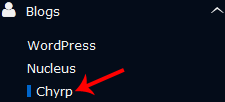
5. Click on the Install button.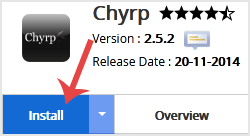
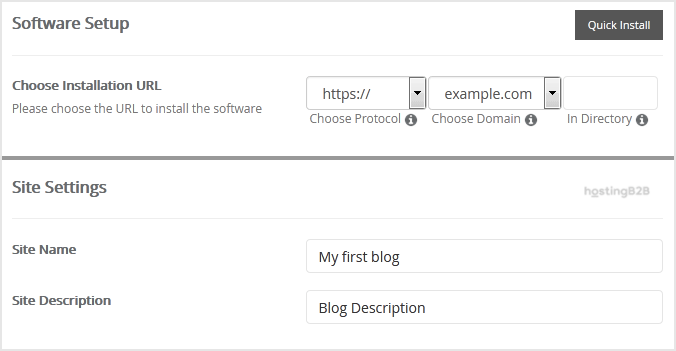
6. Fill the necessary field under the Software Setup field:
- Choose Installation URL: Choose the appropriate protocol/domain. Inside the “In Directory” field, enter the directory name or leave blank for main domain.
7. Under the Site Settings field:
- Site Name: Enter the name of your website.
- Site Description: Site Description
8. Under the Admin Account field:
- Username: Your new Chyrp username (avoid common admin names.)
- Password: Use a strong password.
- Email: Your e-mail address.
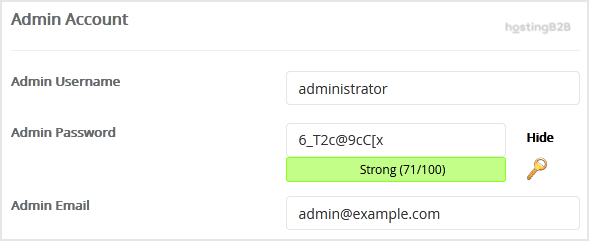
Note: Copy the admin username and password on a notepad.
9. Advanced Options: Leave this as it is unless you want to change the database name or take an automated backup.
Finally, scroll down to the end of the page and click on the Install button.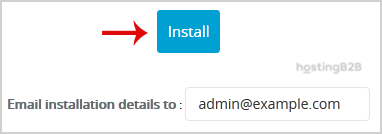
Congratulations you have successfully installed Chyrp via Softaculous in cPanel. Secure your blog with an SSL certificate. For the most popular blogging platform, see WordPress.








