
We hope that you have already read our tutorial on How to Add a cPanel email account to your Android Mobile, and you have already added a built-in email widget to your Android screen.
You can set up an automatic email synchronization frequency so that whenever you receive an email in your cPanel account, it will be automatically synced with your Android email app. You will receive notification for new emails. This feature works with any email hosting account configured through cPanel, including custom domain email addresses provisioned on our web hosting plans.
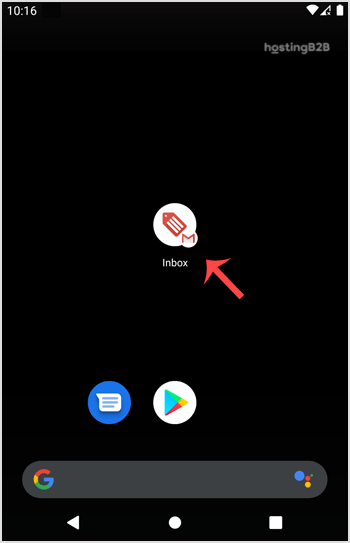
1. Open the inbox Email icon.

2. In the top left, tap on Menu and then choose Settings.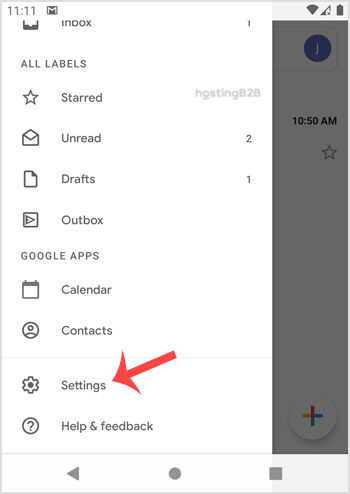
3. Select your email account.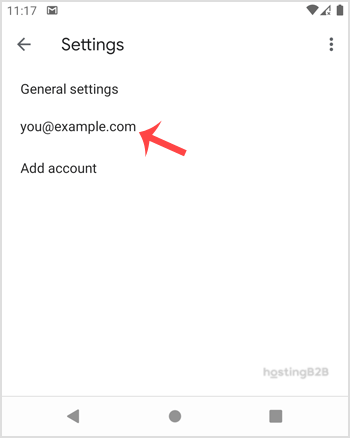
4. Tap on the Sync frequency option.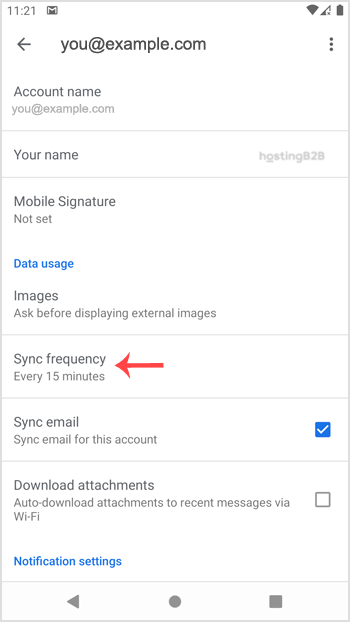
5. Set your frequency to 15 minutes or any custom time. If you do not wish to sync email automatically, set it to Never. This will require you to sync the emails manually.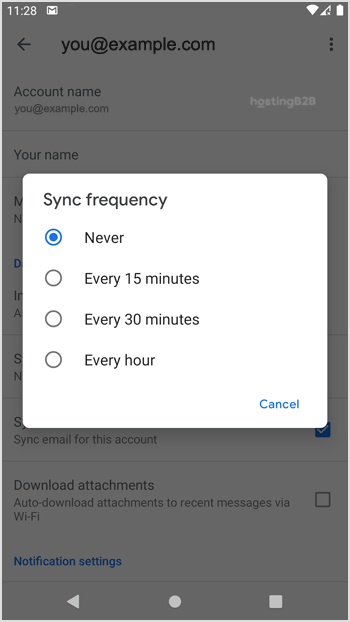
For more Android email tutorials, see our guides on reading cPanel emails on Android and setting a custom email signature.








