
You can deny an IP address access to your website by blacklisting it in cPanel. This is an essential security feature available on all our web hosting plans.
1. Log into your cPanel account.
2. In the Security section, click on the IP Blocker Icon.


3. Under Add an IP or Range, you should enter the IP Address you wish to block.
4. Click on the Add button.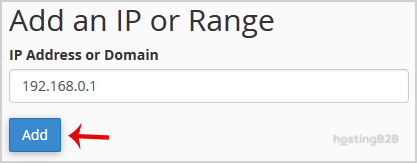
Here is Example:
Single IP Address: 192.168.0.1
Range: 192.168.0.1-192.168.0.40
Implied Range: 192.168.0.1-40
CIDR Format: 192.168.0.1/32
Implies 10.*.*.* — 192.
For automated threat blocking at scale, combine IP blocking with DDoS protection and web application security.








