
SolusVM allows you to enable or disable VNC, PAE, APIC, and ACPI. These settings are available on our VPS hosting plans with KVM virtualization.
1. Login to your SolusVM Control Panel.
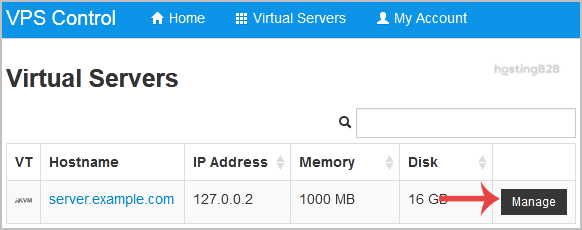
2. If you have multiple VPS, then select the appropriate one.

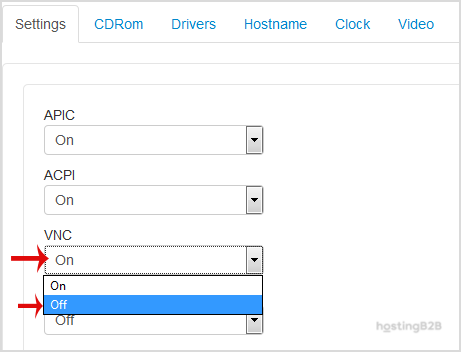
3. Scroll down, under the settings tab you can find APIC, ACPI, VNC or PAE. If you want to turn off VNC, select the Off option from the Drop-Down menu under the VNC option.
4. After making any changes (on/off), reboot your VPS.








