

A guide to help you install Webmin on CentOS 7/8. Webmin is a web-based server management tool that provides a graphical interface for administering your VPS or dedicated server.
What are the requirements?
– Fresh CentOS 7 or CentOS 8, installed on your VPS/Server.
How to install Webmin?

Step 1: First, you will need to login to SSH Client using your root account.
Then enter these four commands:
yum install wget -y
wget http://master.dl.sourceforge.net/project/webadmin/webmin/1.941/webmin-1.941-1.noarch.rpm?viasf=1
yum -y install perl perl-Net-SSLeay openssl perl-IO-Tty perl-Encode-Detect perl-Data-Dumper unzip perl-Encode-Detect
rpm -U webmin-1.941-1.noarch.rpm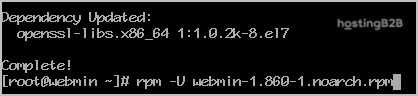
Note: Installation can take a few minutes and will depend on your server speed. Once it is complete, you will see a message with your Webmin admin URL.
Step 2: Next, open Webmin in a browser, https://ip-address here:10000
On CentOS 7/8, if the URL does not work, you need to open port 10000. You can do so by running this command:
firewall-cmd --zone=public --add-port=10000/tcp --permanent
firewall-cmd --reload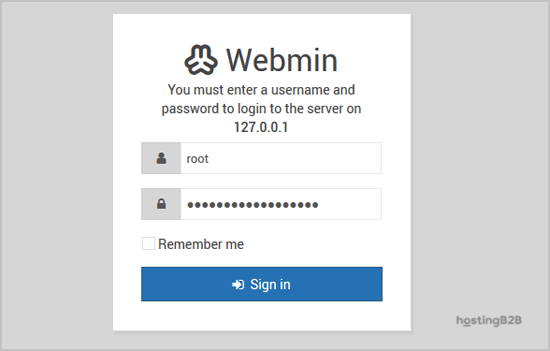
The Webmin Dashboard will open. The New Design of WebMin looks nice.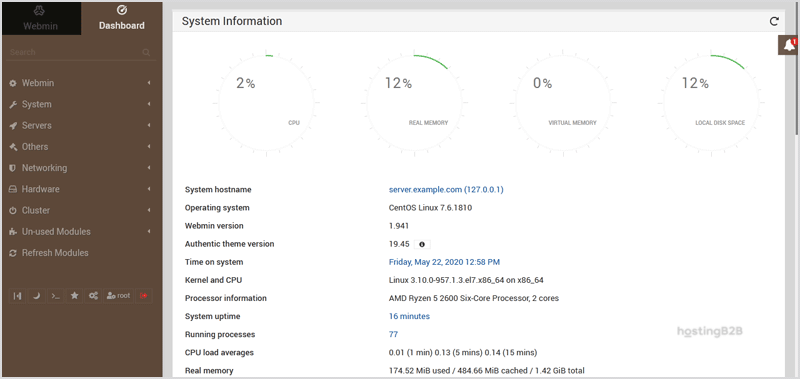
You have successfully installed Webmin on CentOS. After installation, secure Webmin with an SSL certificate for encrypted access. For server security hardening including DDoS protection and firewall management, explore our infrastructure solutions.








