
A simple guide to help you create Addon Domain in cPanel. Addon domains let you host multiple websites on a single web hosting account.
Note: Before adding an Addon Domain name, you need to point your addon domain name server to your main domain name server, and you will need to wait for domain propagation. It usually takes between 12 and 24 hours. If you need to register a new domain, visit our domain registration page.
1. First log into your cPanel account.

2. Then in the Domains section, click on Addon Domains Icon.

3. After that under the Create an Addon Domain option, you should enter your addon domain name, username, and password.
New Domain Name: Your Addon domain name like example2.com
Subdomain: It will be automatically filled in by cPanel.
Document Root: It will be automatically filled in by cPanel.
Password: Enter a new password or use the Password Generator button.
4. then click on the Add Domain button.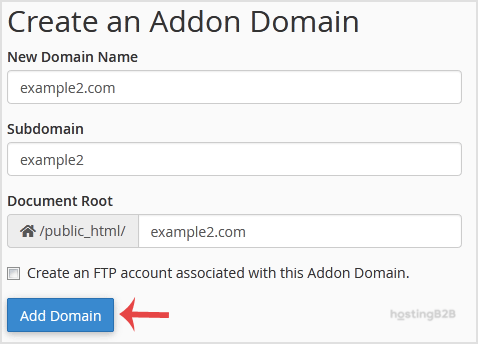
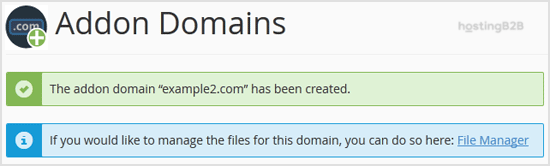
You have successfully created an addon domain in cPanel. After adding your domain, we recommend installing an SSL certificate to secure it. If you need to redirect the addon domain, see our guide on redirecting an addon domain. To remove an addon domain later, follow our removal guide.








