We hope that you have already read our tutorial on How to Add a cPanel email account to your Android Mobile, and you have already added a built-in email widget to your Android screen. cPanel allows you to send email using various IMAP/POP/SMTP technologies. However, we are using a built-in Android mail client as it makes sending email easier. If you haven’t set up your domain email yet, explore our email hosting plans for professional, custom-domain email with enterprise-grade deliverability.
1. Click on the Email inbox icon.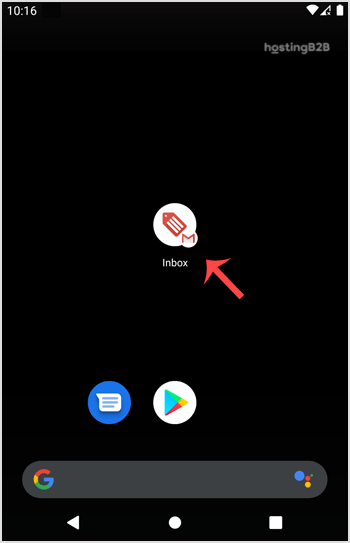
2. In the Mail app, tap on the +Plus Icon to Compose an email.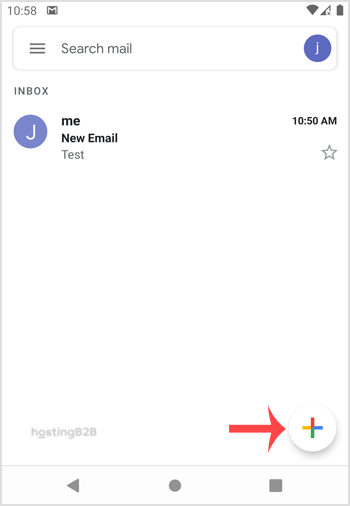

3. Enter the email address of the person to whom you want to send your email in the To Field, an email subject, and your message. Then click on the Send icon.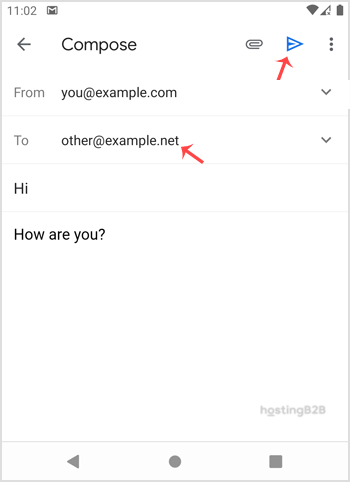
To make your emails look more professional, learn how to set a custom email signature on Android. You can also configure automatic email sync so new messages arrive instantly. All email features are included with our web hosting plans.