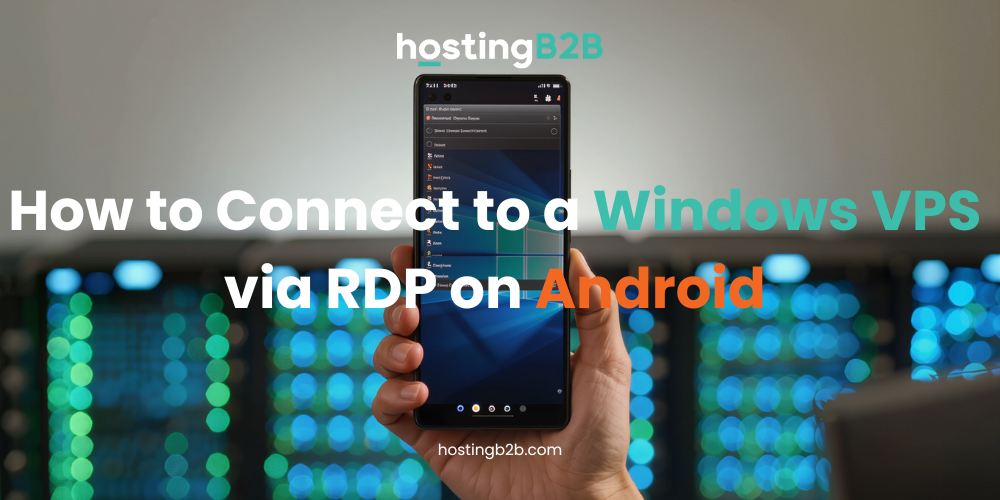
Knowing how to connect to a Windows VPS via RDP on Android allows you to manage your server from virtually anywhere using only a mobile device. This is especially useful for administrators, traders, affiliate managers, and iGaming operators who need constant access to their infrastructure while away from a desktop computer. Remote access is essential for businesses working with iGaming platforms, trading systems, affiliate projects, or other online services. With RDP (Remote Desktop Protocol), you can securely access and manage your Windows VPS directly from an Android device wherever you are.
This guide explains how to quickly connect to a Windows VPS using Android.

What You Need Before Connecting
Before starting, prepare your VPS login details from your HostingB2B client area or deployment email.
| Information | Description |
|---|---|
| IP Address | Public IP address of your VPS |
| Username | Usually Administrator |
| Password | Your VPS password |
| RDP App | Microsoft Remote Desktop for Android |
Install Microsoft Remote Desktop
Download the official Microsoft Remote Desktop application from the Google Play Store. It is the most reliable option for connecting to Windows VPS servers from Android devices and supports secure encrypted connections.
After installation:
- Open the app
- Tap the + button
- Select Add PC
- Enter your VPS IP address
- Add your Administrator credentials
- Save the connection
Once completed, tap the server icon to start the remote desktop session.
Using RDP on Android
After connecting, your Windows VPS desktop will appear directly on your Android device. You can manage files, monitor applications, restart services, or perform server administration tasks remotely.
For better control, many users connect a Bluetooth keyboard or mouse while working with VPS environments on mobile devices.
If you experience connection problems, verify that:
- The VPS is online
- Port 3389 is accessible
- Your login credentials are correct
- Your internet connection is stable
Why HostingB2B?
The quality of an RDP connection depends heavily on the server infrastructure behind it. HostingB2B provides stable Windows VPS solutions optimized for low latency, reliable remote access, and continuous uptime. For users who need a server purpose-built for persistent remote desktop sessions, our RDP VPS plans include pre-configured Windows environments with guaranteed uptime and enterprise-grade connectivity.
This makes the platform suitable for:
- iGaming projects
- Fintech applications
- Forex trading environments
- Affiliate systems
- Business automation tools
With Android and RDP access, you can securely manage your Windows VPS from almost anywhere without needing a desktop computer.
Ready to Experience High-Performance Remote Management?
Don’t let your location limit your business growth. Whether you are managing high-traffic iGaming portals or complex financial systems, your infrastructure needs to be as mobile as you are. By mastering how to connect to Windows VPS via RDP on Android, you gain the flexibility to supervise your operations anytime, anywhere.
Experience the power of a Tier IV data center and professional support today. Deploy your Windows VPS with HostingB2B and take full control of your digital environment with unmatched speed and security!