If your VPS is down/offline, you can start it using SolusVM. SolusVM is included with all our VPS hosting plans.
1. Login to your SolusVM Control Panel.
2. If you have multiple VPS, select the appropriate one.

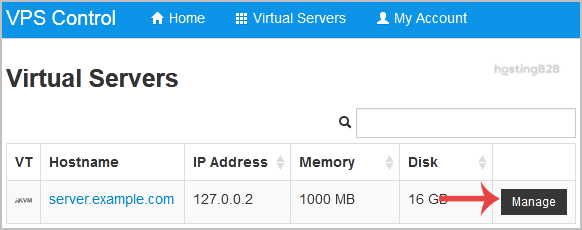
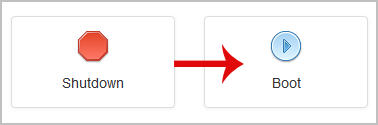
3. Scroll down, and you can see a Boot option. Click it!
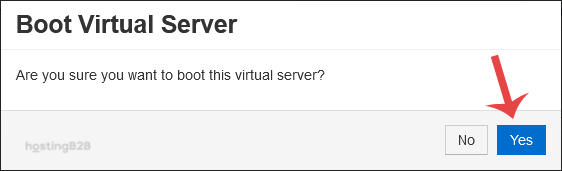
4. It will show a confirmation window. Click on Yes.
It can take a few minutes for your VPS to start. If your VPS frequently needs manual intervention, consider our managed services for 24/7 monitoring and support.