
If you can access your Virtualizor VPS control panel, you can easily change your Virtualizor password. We recommend you to change the password frequently and use a strong one.
1. Log in to your Virtualizor Control Panel.
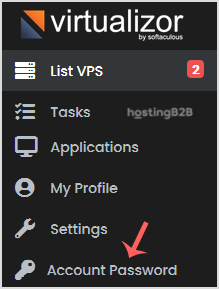
2. In the left-side panel, click on Account Password.

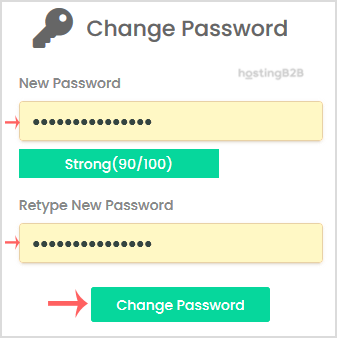
3. Enter your new password and click on Change Password.
Visit our blog for more knowledgebase articles !
The post Change your Virtualizor Control Panel password appeared first on HostingB2B.