Python has become the backbone of modern web architecture, and in the high-stakes world of iGaming, it is the engine behind real-time odds calculation, fraud detection, and seamless player experiences. Whether you are running complex betting algorithms or a scalable SaaS platform, deploying a robust environment is the first step. In such environments, infrastructure and application performance are tightly coupled — a poorly configured runtime can introduce latency, instability, and scaling bottlenecks.
Here is a comprehensive guide to installing Python on Ubuntu 24.04 (Noble Numbat), specifically tailored for high-performance enterprise needs.
Why Python is Essential for iGaming & SaaS Projects
In the iGaming sector, milliseconds mean millions. Python is preferred for several critical reasons:

- Real-time Analytics: Processing live sports data or casino metrics using libraries like
PandasandNumPy. - Security & Anti-Fraud: Leveraging Machine Learning (ML) to detect suspicious betting patterns instantly.
- Scalability: Python’s asynchronous frameworks (like
FastAPIorAIOHTTP) are perfect for the saas infrastructure architecture required to handle thousands of concurrent players. - API Integration: Effortlessly connecting with payment gateways, odds providers, and CRM systems.
Step 1: Update the System Repository
Before installing any packages, ensure your Linux VPS repository index is current. Ubuntu 24.04 comes with Python 3.12 by default, but we need to ensure the environment is optimized.
sudo apt update && sudo apt upgrade -yStep 2: Install Python and Essential Build Tools
While Python is pre-installed, for professional development, you need the “dev” packages and pip (Python Package Installer) to manage dependencies for your best server for saas.
sudo apt install python3 python3-pip python3-dev build-essential libssl-dev libffi-dev -y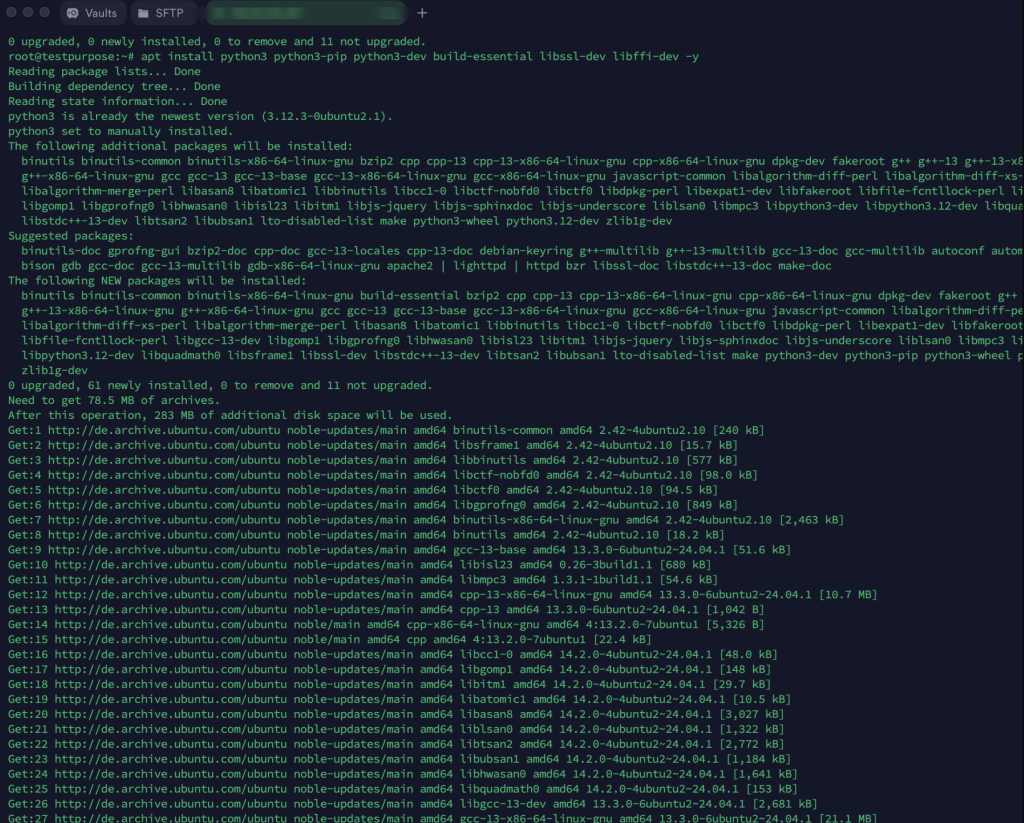
apt install and build tools work from the first login. NVMe storage, a dedicated IP and instant activation, from €19.90/month.Step 3: Managing Environments with Virtualenv
In a multi-tenant or complex iGaming environment, “polluting” the global Python space is a major mistake. Each SaaS application should run in its own isolated environment.
- Install the virtual environment module
apt install python3-venv -y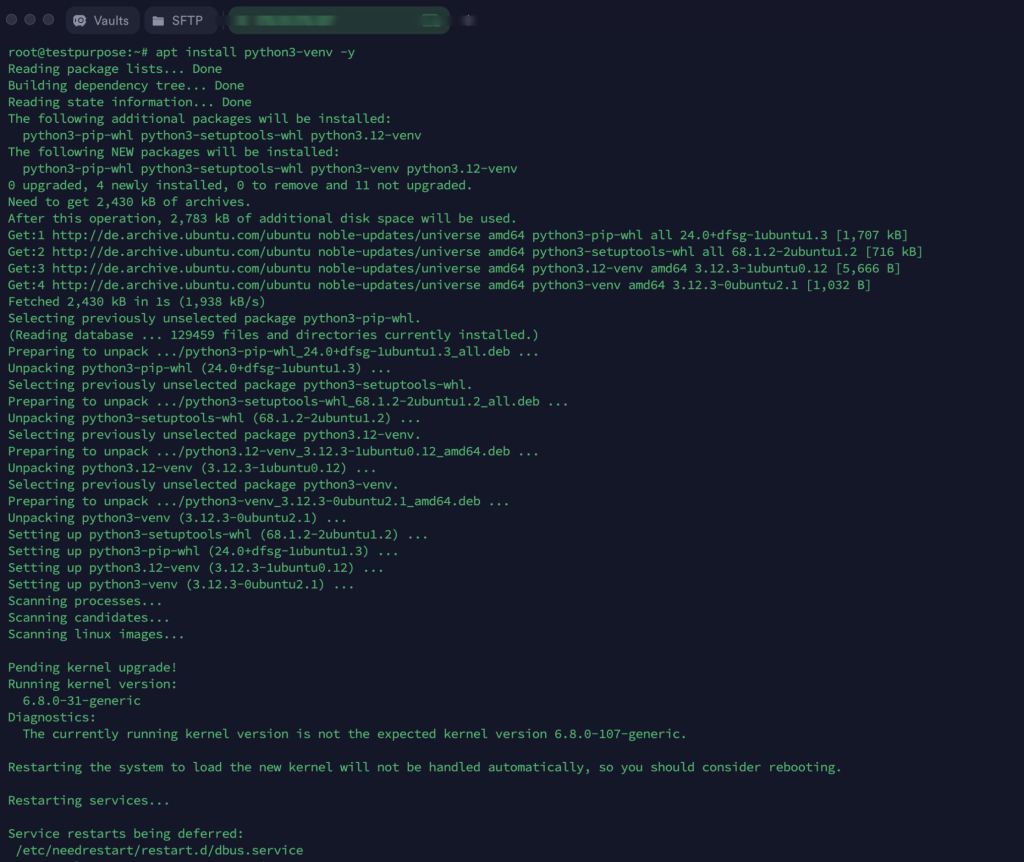
2. Create a dedicated directory for your project
mkdir ~/igaming-platform && cd ~/igaming-platform3. Initialize the environment
python3 -m venv venvActivate it
venv/bin/activateBest Architecture for SaaS Platforms: The Python Stack
To achieve scalable hosting for saas, simply installing Python isn’t enough. You need a production-grade stack:
- Web Server: Nginx (as a reverse proxy).
- Application Server: Gunicorn or Uvicorn (for ASGI/FastAPI).
- Process Manager: Systemd (to ensure your betting engine restarts automatically after a reboot).
Example Systemd Configuration
Create a service file to keep your app alive 24/7:
Bash
sudo nano /etc/systemd/system/igaming-app.service
Add these saas hosting requirements:
[Unit]
Description=Gunicorn instance to serve iGaming SaaS
After=network.target

[Service]
User=ubuntu
Group=www-data
WorkingDirectory=/home/ubuntu/igaming-platform
Environment="PATH=/home/ubuntu/igaming-platform/venv/bin"
ExecStart=/home/ubuntu/igaming-platform/venv/bin/gunicorn --workers 3 --bind unix:igaming.sock -m 007 wsgi:app

[Install]
WantedBy=multi-user.target
Performance & Scalability Considerations
When running Python on a VPS for iGaming, keep these Best Hosting for SaaS Applications tips in mind:
- Use JIT Compilers: For heavy math (odds calculation), consider PyPy instead of the standard CPython to gain a 4x–5x speed boost.
- Database Drivers: Use asynchronous drivers (like
motorfor MongoDB orasyncpgfor PostgreSQL) to prevent the application from blocking during high-volume transactions. - Memory Management: Monitor your RAM usage closely. Python can be memory-intensive; ensure your VPS has adequate overhead for “garbage collection” processes. For workloads that outgrow VPS resource limits, migrating to a dedicated server eliminates memory contention and provides the bare-metal performance needed for production-grade Python applications.
Common Mistakes When Deploying Python on VPS
- Running as Root: Never run your Python application with root privileges. It creates a massive security vulnerability.
- Hardcoding Credentials: Use
.envfiles and never commit sensitive API keys (from odds providers or payment gateways) to your repository. - Ignoring Logs: Without centralized logging, debugging a crash during a high-traffic sporting event becomes impossible.