We hope that you have already read our tutorial on How to Add a cPanel email account to your Android Mobile, and you have already added a built-in email widget to your android screen. Manual sync is useful when you need to check for new messages immediately without waiting for the automatic sync schedule.
1. Press on the email inbox icon.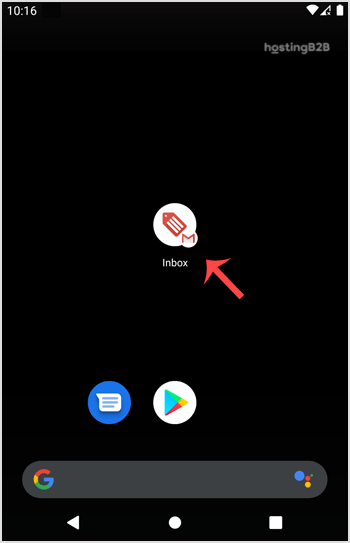
2. Pull down from the top of the screen until little refresh wheel start spinning, It will start syncing email.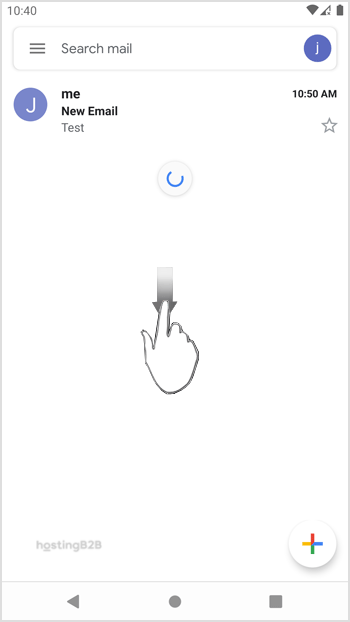

In the above screenshot, you can see that after syncing, we have received a new email.
This pull-to-refresh method works with any IMAP or POP email account configured through cPanel, including accounts provisioned on our email hosting and web hosting plans. For more Android email guides, see how to send email from your Android or read cPanel emails on Android.