How to Set Up Linux Bash on Windows with WSL 2



Running a native VPS Linux environment on Windows Server is no longer a workaround — it’s a streamlined, high-performance solution powered by Windows Subsystem for Linux (WSL 2). With near-native...
Continue reading

How to Install a GUI on Ubuntu Server for Remote Access
Deploying a graphical user interface (GUI) on a headless system can significantly bridge the gap between complex terminal management and intuitive server administration. While Linux power users often swear by...
Continue reading

How to install Python on a VPS server
Python has become the backbone of modern web architecture, and in the high-stakes world of iGaming, it is the engine behind real-time odds calculation, fraud detection, and seamless player experiences....
Continue reading
How to Test Disk Speed in Linux: The iGaming Infrastructure Audit
In the world of iGaming, performance isn’t just a metric; it’s the heartbeat of your business. Whether you are running a high-traffic sportsbook, a live casino platform, or a complex...
Continue reading
How to Enable Root Login via SSH on Ubuntu
Strategic Security Context Direct root SSH access is a calculated risk in 2026. For iGaming platforms and Fintech applications—where PCI-DSS compliance and data integrity are mandatory—root login should only be...
Continue reading

Installing XRDP on Debian/Ubuntu VPS: Connect via Remote Desktop
What Is a Linux VPS with Remote Desktop? Installing XRDP on Debian/Ubuntu VPS is the most efficient way to manage your server through a familiar graphical interface. This guide is...
Continue reading

OpenClaw Deployment Guide: High-Performance AI on Linux
OpenClaw is an autonomous open-source AI agent designed to transform your server into an intelligent task-execution node, capable of continuous monitoring, decision-making, and workflow automation without human intervention. By deploying...
Continue reading
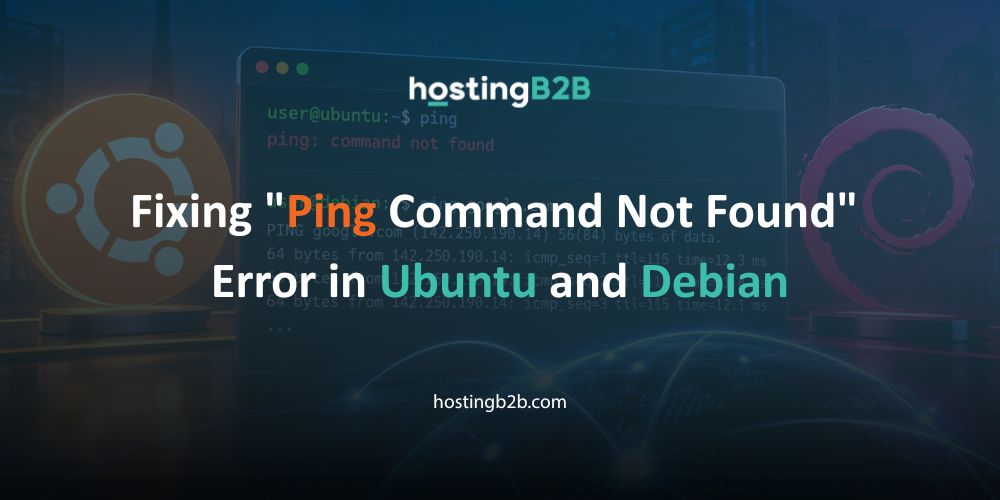
Fixing “Ping Command Not Found” Error in Ubuntu and Debian
Seeing “ping command not found” on a fresh server is frustrating. Minimal images on a HostingB2B VPS ship without network tools to keep the footprint small. Fortunately, the fix takes...
Continue reading
How to Reinstall OS on Your VPS with HostingB2B
Maintaining a secure and high-performing virtual server requires proper lifecycle management. Whether you need to troubleshoot issues, deploy a new environment, or perform a complete system reset, the ability to...
Continue reading

Zero-Risk OS Upgrade with HostingB2B
In today’s high-stakes digital economy, an OS upgrade on your VPS infrastructure is the key to ensuring your enterprise remains resilient and future-ready. As we move further into 2026, the...
Continue reading
Related How To
-
 How to Host an LLM on a GPU VPS: Step-by-Step Guide (2026) August 11, 2026
 -
How to Install and Configure Fail2ban on a Linux Server July 22, 2026
-
How to Install a LAMP Stack on Ubuntu (VPS) July 21, 2026
-
How to Install Hermes Agent on a VPS July 15, 2026
-
How To Install Kali Linux June 26, 2026