Installing XRDP on Debian/Ubuntu VPS: Connect via Remote Desktop



What Is a Linux VPS with Remote Desktop? Installing XRDP on Debian/Ubuntu VPS is the most efficient way to manage your server through a familiar graphical interface. This guide is...
Continue reading
OpenClaw Deployment Guide: High-Performance AI on Linux
OpenClaw is an autonomous open-source AI agent designed to transform your server into an intelligent task-execution node, capable of continuous monitoring, decision-making, and workflow automation without human intervention. By deploying...
Continue reading
Fixing “Ping Command Not Found” Error in Ubuntu and Debian
When deploying a high-performance HostingB2B VPS, many power users and developers opt for “Minimal” or “Cloud-init” OS images. These streamlined distributions are designed to reduce system overhead and harden security...
Continue reading
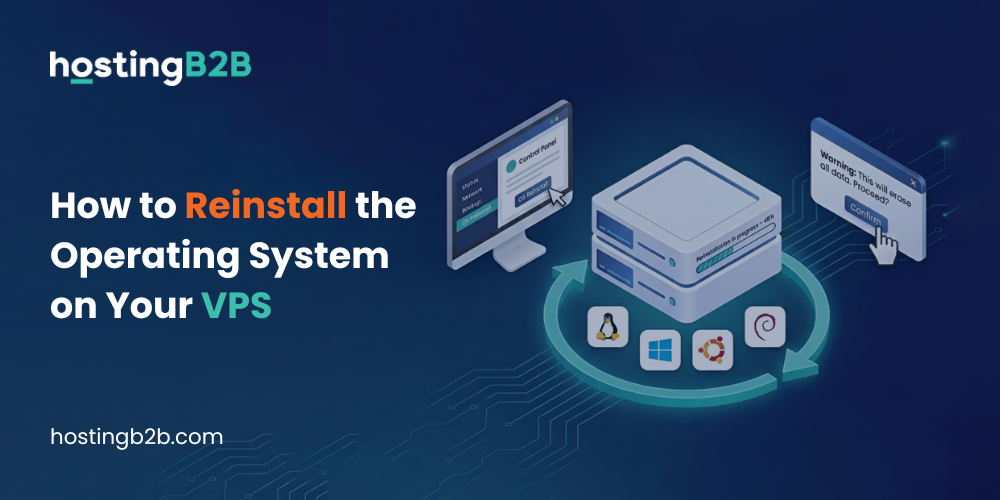
How to Reinstall OS on Your VPS with HostingB2B
Maintaining a secure and high-performing virtual server requires proper lifecycle management. Whether you need to troubleshoot issues, deploy a new environment, or perform a complete system reset, the ability to...
Continue reading
Zero-Risk OS Upgrade with HostingB2B
In today’s high-stakes digital economy, an OS upgrade on your VPS infrastructure is the key to ensuring your enterprise remains resilient and future-ready. As we move further into 2026, the...
Continue reading
Maximizing Business Performance and Security with VPS Hosting: A Comprehensive Guide


In today’s digital landscape, having a reliable and secure hosting solution is crucial for businesses of all sizes. With the rise of virtual servers, VPS hosting has become a popular...
Continue reading

Boot VPS in rescue mode using Virtualizor
Rescue mode can be used for Data recovery, to repair your OS, and for various other purposes.To boot your VPS into rescue mode in VIrtualizor follow the guide below.1. Log...
Continue reading
Set VPS self shutdown/start/reboot timer in Virtualizor
Do you know that you can set a self shutdown timer for your VPS to start/shutdown/reboot or Power off at a specified time? This is a handy feature provided by...
Continue reading
Change your VPS OS root/admin password using Virtualizor
You can change the root/admin password of your VPS OS using Virtualizor.1. Log in to your Virtualizor Control Panel.2. In the left side panel, click on List VPS.3. Hover your mouse...
Continue reading
Access your VPS via VNC in Virtualizor
You can access your VPS via VNC in Virtualizor. That is in case of an emergency, such as when a firewall blocks your IP, the Internet connection on VPS is...
Continue reading
Related How To
-
 OpenClaw Deployment Guide: High-Performance AI on Linux March 9, 2026
 -
How to Reinstall OS on Your VPS with HostingB2B March 2, 2026
-
Zero-Risk OS Upgrade with HostingB2B February 19, 2026