
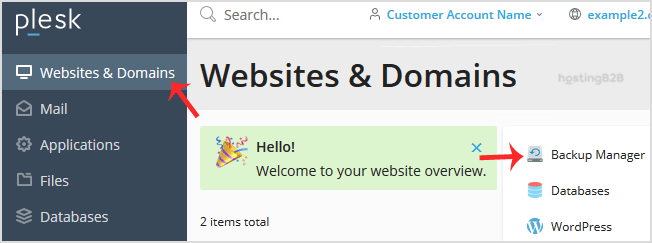
Encrypt a database password in a Plesk Backup




It’s time for backup Let’s read how to encrypt a database password in a Plesk Backup. 1. Log in to your Plesk account.2. Go to Websites & Domains > Backup Manager.3. Click on Remote...
Continue reading
Plesk Backup – How to exclude specific Files/Folders
It’s time for Backup and you don’t want all your Files and Folders to be backup? Let’s read how to exclude specific Files/Folders from the Plesk backup. 1. Log in...
Continue reading
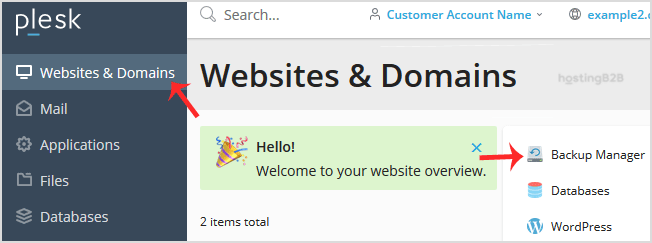
Download and Generate a full backup of your Plesk account
Kneed to know more about Plesk? Read below and learn how to Download and Generate a full backup of your account. 1. Log in to your Plesk account.2. Please go to Websites...
Continue reading
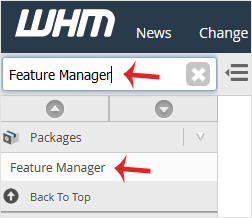
Create a Feature list in WHM
The post Create a Feature list in WHM appeared first on HostingB2B.
Continue reading
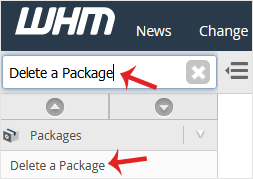
Delete a package in WHM
The post Delete a package in WHM appeared first on HostingB2B.
Continue reading

How to Edit a hosting package in WHM?
The post How to Edit a hosting package in WHM? appeared first on HostingB2B.
Continue reading
How to Create/Add a Package in WHM
The post How to Create/Add a Package in WHM appeared first on HostingB2B.
Continue reading
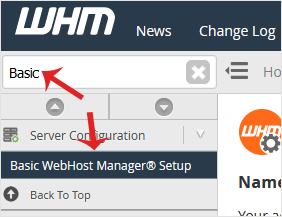
How to set your custom/private nameserver in WHM.
The post How to set your custom/private nameserver in WHM. appeared first on HostingB2B.
Continue reading
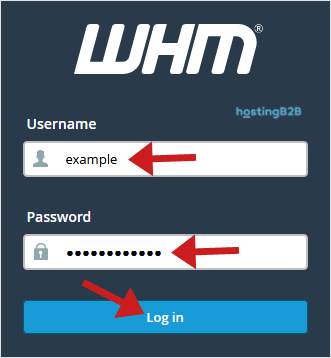
How to Access Web Host Manager OR WHM ?
The post How to Access Web Host Manager OR WHM ? appeared first on HostingB2B.
Continue reading
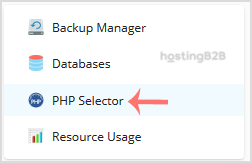
Use CloudLinux Selector to enable GD extension in PHP via Plesk
You can use CloudLinux Selector to enable GD extension in PHP via Plesk.1. Log in to your Plesk account.2. In the right-hand sidebar, click on PHP Selector.3. Click on the Extensions menu.Note: If the Extensions&nb...
Continue reading
Related How To
-
 How to Become a HostingB2B Affiliate December 7, 2022
 -
 Check or change server time via WHM root June 9, 2021
 -
How to Change Your WHM Root Password June 9, 2021



